Essential Cloud Backup Strategies for Traveling Creatives
Let me paint you a picture. Humidity you could swim through. The best iced coffee you've ever had. And a laptop screen that just went black. Not the sleepy kind of black. The dead, cold, "you-lost-everything" black. My heart didn't just sink. It took my stomach with it. That project for the Berlin client? Gone. Two months of travel photos, unedited? Poof. All because I thought my trusty old external hard drive was "backup enough." It wasn't. It failed. Hard. And the lesson was brutal: if your data only lives in one physical place, you're borrowing it. Not keeping it. Don't be me.
Your New Holy Trinity: The 3-2-1 Backup Rule (Made Simple)
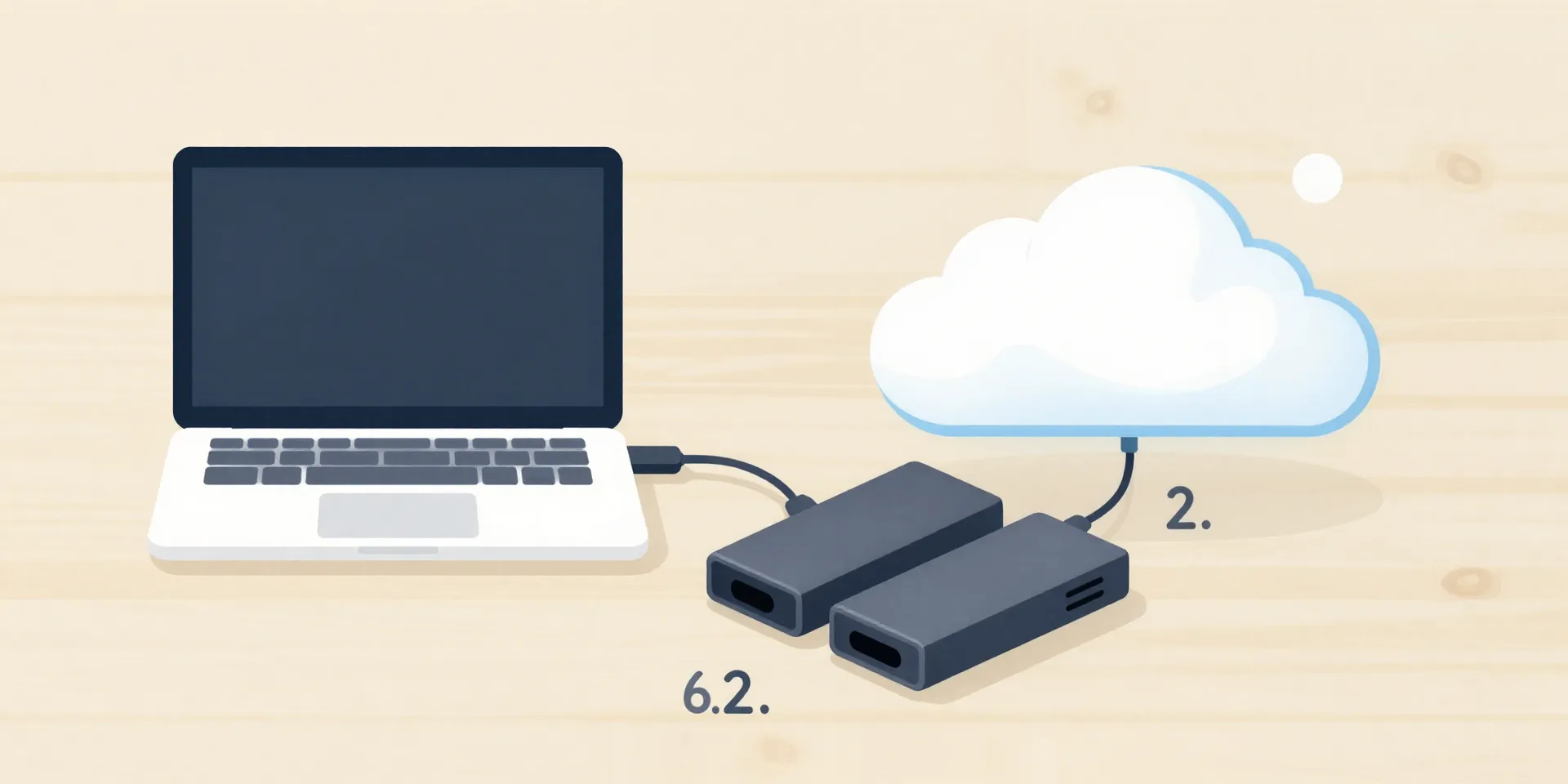
Forget complex jargon. The 3-2-1 rule is your new mantra. It’s idiot-proof. Beautifully simple. Here’s what it means for us: You have **3 total copies** of your stuff. Your original files on your laptop are Copy #1. **2 of those copies are local**, but on *different devices*. Think your laptop's SSD **and** an external hard drive in your bag. That’s your safety net for a coffee spill or a broken laptop. The final "1"? That's **1 copy off-site**. In the cloud. Far away from the chaos of your backpack. If you lose everything in a theft or a flood, the cloud version is your get-out-of-jail-free card. It’s not overkill. It’s the bare minimum.
The Cloud Duo You Actually Need (Dropbox + Backblaze)
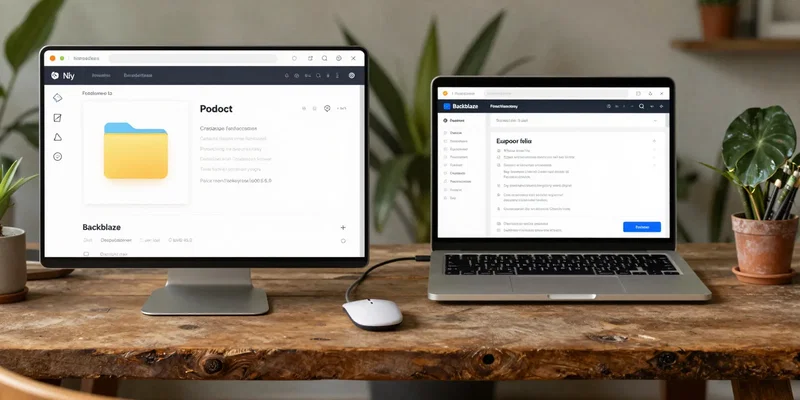
But let's be real. "The cloud" is vague. I’m talking about two specific services that do two different jobs. First, you need a **live sync service** like Google Drive or Dropbox. This is for your active projects. It syncs a folder on your laptop to the cloud automatically. Work from a cafe in Lisbon, and it's updated on your phone in real-time. Magic. But here’s the kicker: if you accidentally delete a file or get hit by ransomware, that syncs too. That's not a backup. That's a synchronized mistake. That's where **Backblaze** comes in. For a few bucks a month, it backs up *your entire computer* to the cloud, continuously. Deleted a file? It keeps a version. Hard drive died? Restore everything. One is for workflow. The other is for catastrophic insurance. Use both.
The Unsung Hero: A Rugged, Encrypted External Drive
Clouds are great until you're on a 12-hour bus ride in Laos with spotty 2G. This is where physical hardware earns its keep. But not just any shiny drive from the mall. You need a **rugged** one. Water-resistant, shockproof, the kind you could drop and it would probably damage the floor instead. More importantly, get one with **hardware encryption**. A little button on the side for a PIN. If that bag gets stolen, your life's work isn't just gone—it's locked in a digital safe. It’s the difference between "oh crap" and a full-blown identity theft crisis. This drive isn't for daily use. It's your weekly clone. Every Sunday, update it. Then put it in a different bag than your laptop.
Automate Everything. Your Future Self Will Thank You.
You're a creative, not a sysadmin. If your backup plan requires you to "remember" to do something, it will fail. The goal is to make it boring. Invisible. Set up Backblaze to auto-backup new files. Set your sync folder (Dropbox/Drive) to house your active projects. **Use an app like ChronoSync or Carbon Copy Cloner.** Schedule it to clone your main working drive to that rugged external every Sunday at 8 PM. Plug the drive in after dinner, let it do its thing. Done. The systems run in the background while you live your life. Peace of mind isn't a dramatic moment. It's the absence of dread every time your laptop makes a weird noise.